
How to create an account on Bloomerang Volunteer
On a web browser, visit Bloomerang Volunteer and create an account for each individual (TEEN and ADULT) planning to volunteer. Each person will need an email address to sign up.
Once the account has been verified by clicking the link sent to the email associated with the account, you may sign in via web browser.
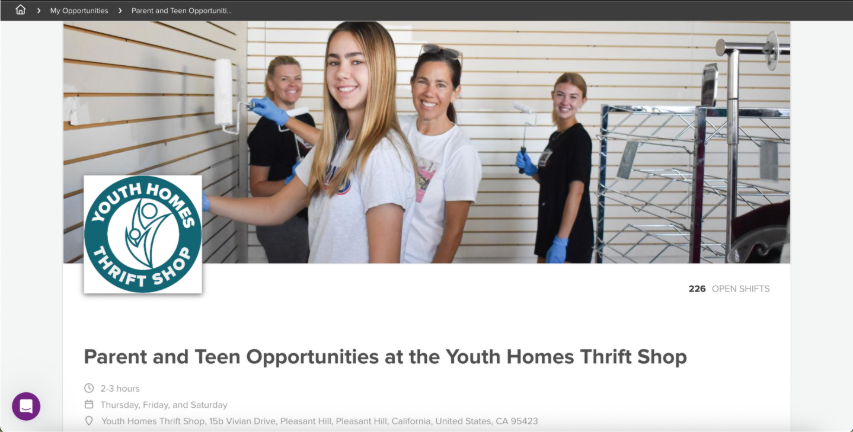
Once on Bloomerang, navigate to “My Opportunities” and select "Parent and Teen Opportunities at the Youth Homes Thrift Shop".
You will be redirected to a page with open volunteer shifts and additional volunteer information, including a video about our shop!
How to sign up for a shift on Bloomerang Volunteer
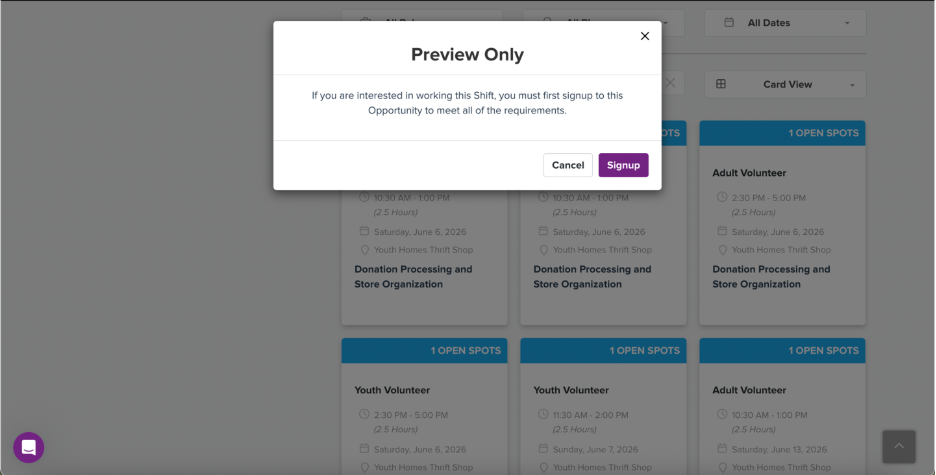
Select the shift you would like to sign up for, making sure that you are selecting the appropriate TEEN or ADULT volunteer designation. To make the selection, click the purple SIGNUP button. This should redirect you to the "Questionnaire for Parent and Teen Opportunities at the Youth Homes Thrift Shop"
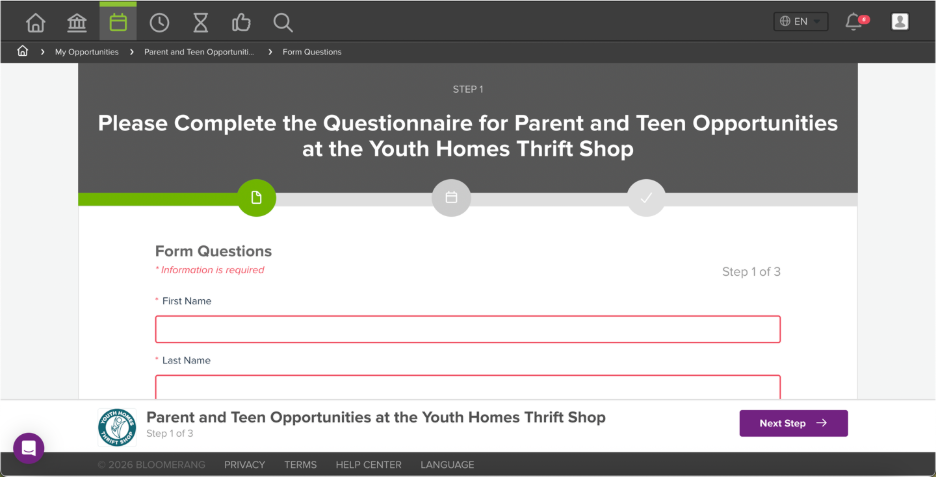
Complete the questionnaire. Your emergency contact should be an adult other than the one you're volunteering with. Make sure to select the correct volunteer group you are working with from the dropdown menu (TAPS, NCL Rolling Hills, NCL San Ramon, BTC).
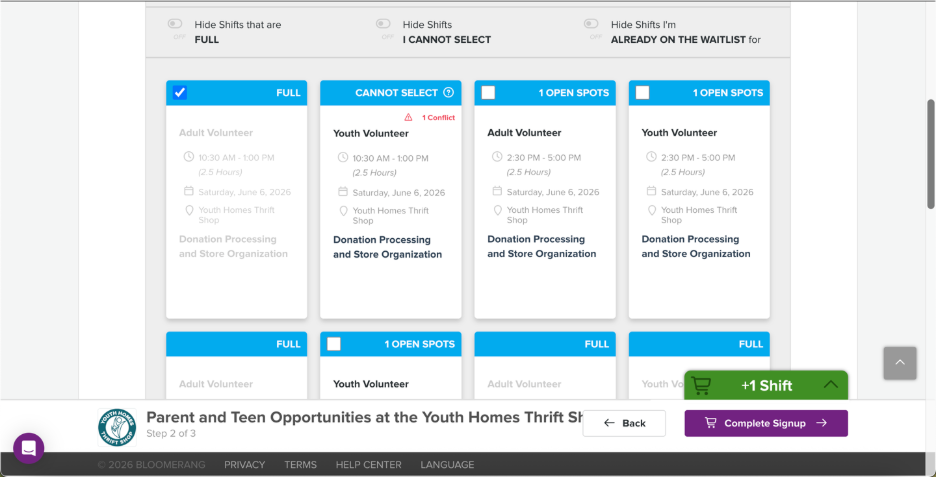
Reselect the shift you want to work as confirmation and click the purple COMPLETE SIGNUP button.
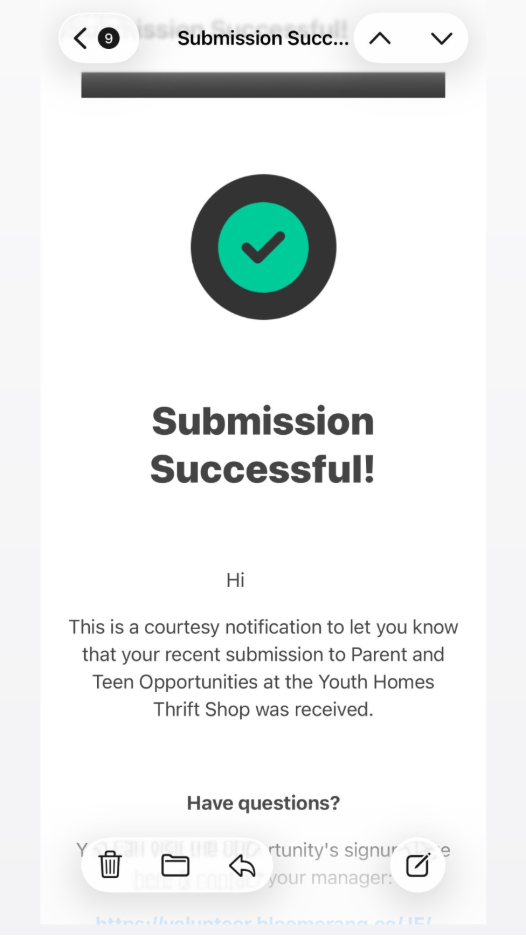
Volunteers should receive a confirmation email to let them know their sign up was a success.